Add Users
After signup, the administrator will get a login to the Gladinet Cloud. To setup a team environment, the admin needs to add team users. Only the admin can add users.
To Manage the users, click the ‘Management Console' link on top.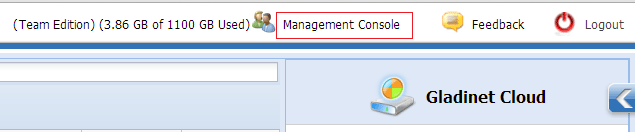
Go to 'User Manager'. Click ‘Create a New User’ link.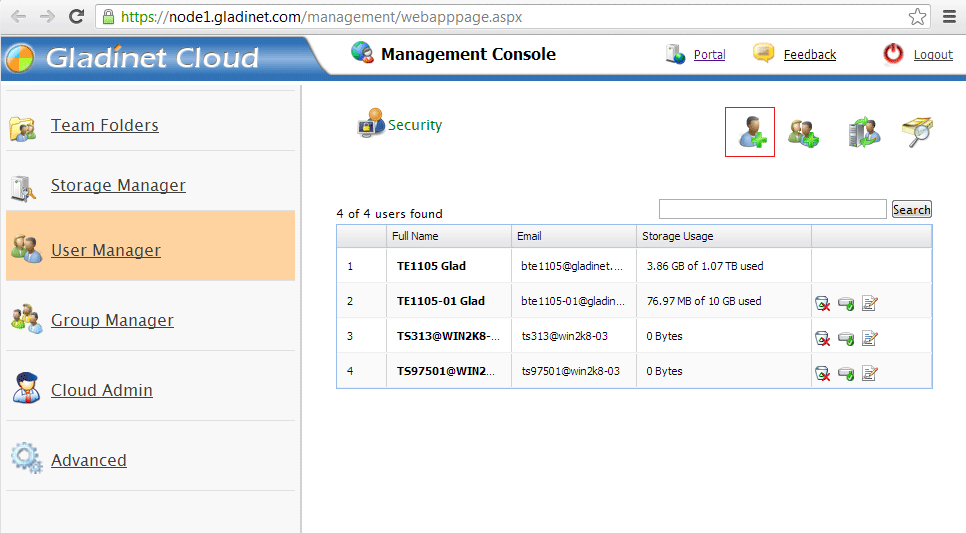
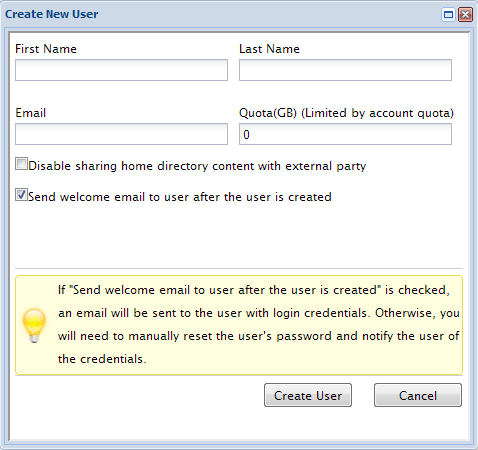
Type in the user’s name and email address and the quota for the user in Gladinet Cloud. Here the admin can choose whether to allow sub-users to share their own folder with the public. Once the box is checked, the sub-users created can not share his own web folders anymore.
By default, after the user is created, the user will get a welcome email, with login and password information. If the welcome email is not needed, admin can disable it here.
Delete Users
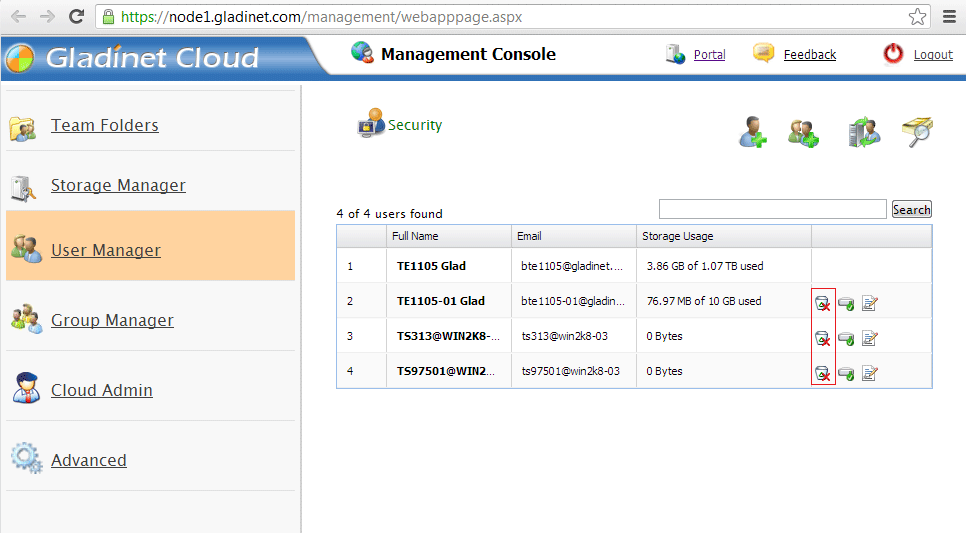
When a user leaves the team, admins can delete the user’s login. Just click the Delete icon in Users Manager.